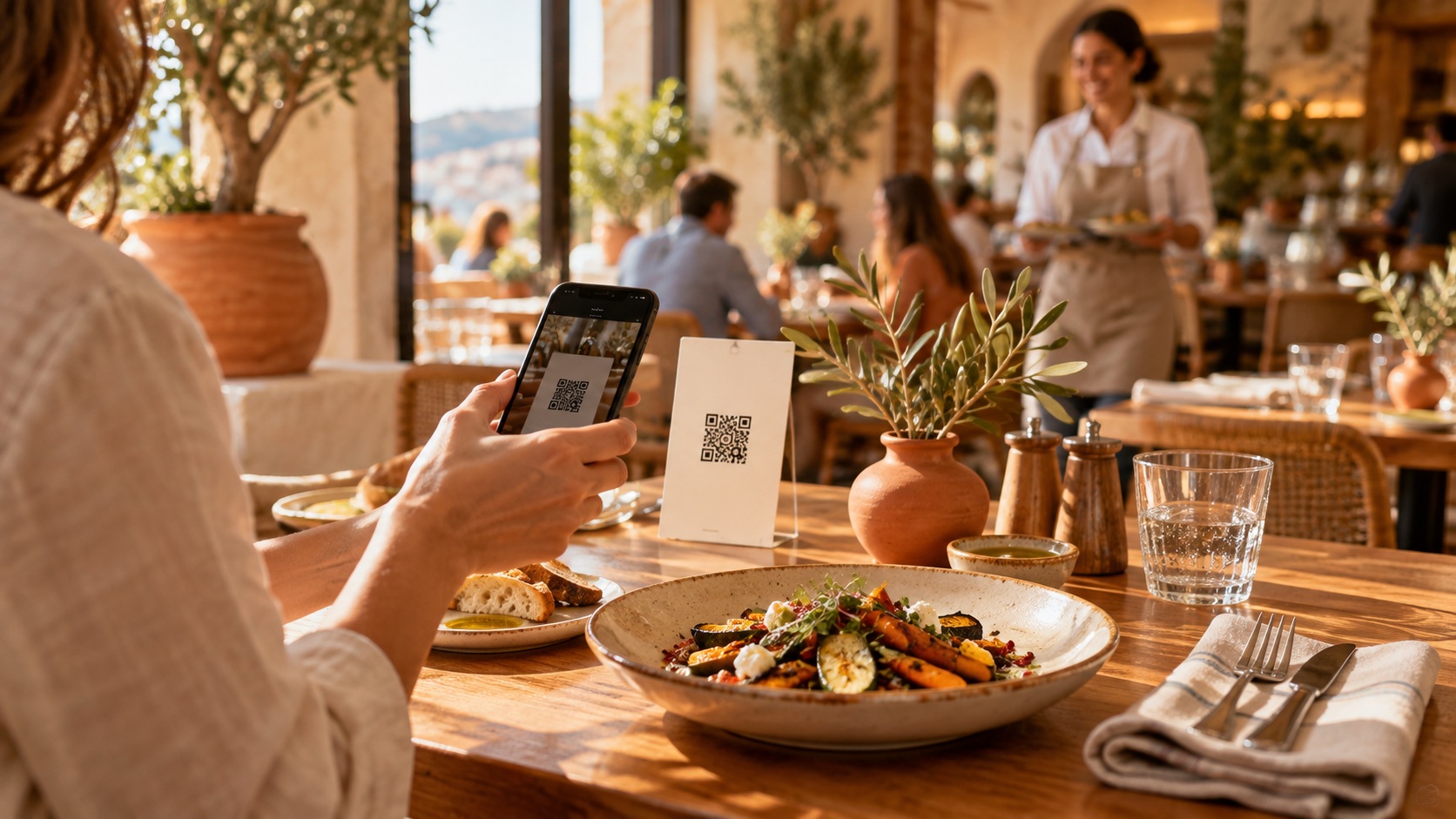
At noon, three tables want to order at the same time. Another asks for the dessert menu. At the counter, a guest is waiting for an answer. In that setting, QR code ordering can offer one more way to place an order — as long as the path is clear for the guest and well organized for the team.
Here is a launch method to adapt to your restaurant, without turning every table into a tech support call.
1. Decide what the QR code is allowed to do
A menu you can read on a phone and an order sent to the kitchen are two different experiences. Before you print anything, define the path precisely: browse the menu, choose dishes, send an order, and possibly pay.
Tell the guest what happens after they confirm. Is their order sent straight through, or does the team need to confirm it? How do they know it was received? A clear sentence at this step prevents duplicate orders placed "just to be sure."
2. Prepare a menu that's easy to scan
On a small screen, item names have to stay readable. Group dishes into short categories, show prices, and make options explicit. "Side of your choice" deserves a visible list, not a detail buried at the end of a description.
Before each service, put one person in charge of availability. If a dish sells out, that update has to reach the floor and be reflected in the menu.
For a question about ingredients or an allergy, the guest must be able to reach a team member easily. The phone does not replace that conversation.
3. Test a complete order at each pilot table
Start with a few tables. Using a phone that isn't connected to your management account, follow the path of a brand-new guest.
- Scan the code under real lighting conditions.
- Confirm the right table is recognized.
- Add a dish and an option, then check the summary.
- Send a test order following your internal procedure.
- Confirm it was received, with the right contents and destination on the team side.
- Check the confirmation shown to the guest.
Then clear that test order so it isn't mistaken for a real one during service.
4. Keep a human welcome
Present the QR code as one option and keep another way to order. A dead phone, a weak connection, or a personal preference should never block the meal.
You can simply say: "You can browse the menu and order right here. If you'd rather, I'll take your order with you."
This framing gives the guest a choice and the server a clear role. The team stays available to advise, explain a dish, and make sure everything is going well.
5. Plan for the exceptions before the rush
An order sent to the wrong table, a duplicate, or a change requested out loud all need a known procedure. Decide who corrects the order and who tells the kitchen. Avoid a request being recorded twice — once on the phone, then again by voice.
Plan for a dropped connection too: who takes over orders, and how is the information passed along? Test that fallback with the team before you need it.
6. Review the first service with concrete observations
After service, note what was hard: codes placed poorly, steps that weren't understood, options that were missed, or guests who needed help. Count the corrected orders and identify their cause, without assigning blame.
Start by fixing the most frequent problem. Then expand the setup once guests understand the path and the team has it down.
The checklist before opening
- Menu, prices, and availability checked.
- Codes tested on the tables involved.
- Order confirmation is understandable.
- Someone identified to handle corrections.
- A fallback in place.
- Team able to explain the path in one sentence.
Your next step: pick a small group of tables and run a pilot service. To see how RiseResto approaches this, explore the platform or get in touch with your current setup.
Ready to simplify your restaurant?
RiseResto is in open beta — onboard your restaurant today.
Get started free →